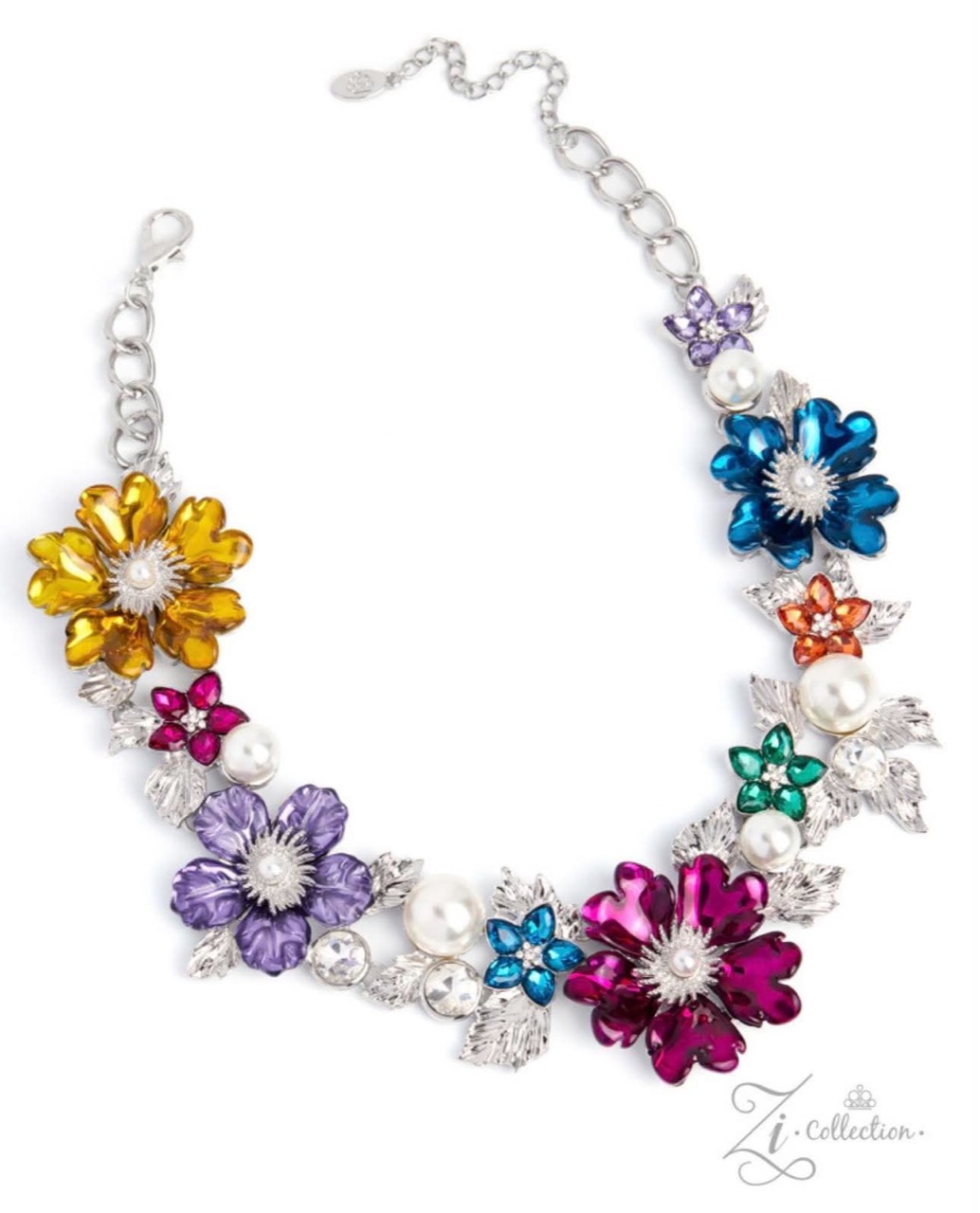


Pusher P — Powered by Intention
THE PLEASURE PALACE

Treating yourself isn’t a luxury—it’s the standard.

Statement jewelry, curated looks, and the Zi pieces worthy of the crown.

Shop Now Explore Collections Shop by Color Books Download for Android
iPhone & iPad — Add Palace to your Home Screen

The Apple App Store version is coming soon. Enjoy Palace now through the website or install the Palace web app—no App Store download needed.

  1. Open Palace in Safari on your iPhone or iPad.
  2. Tap Share (the square with the upward arrow). If needed, open Safari’s menu to find Share.
  3. Scroll down and tap Add to Home Screen.
  4. If shown, turn on Open as Web App, then tap Add.
  5. Tap the Palace icon on your Home Screen to open it.

You can also keep shopping at PusherP.shop without installing anything.

Enter the Palace Vault

Browse sold-out favorites, join the Availability List, or ask CJ to locate a piece.

SHOP THE PALACE

New Arrivals

MY PALACE

Welcome back

Profile photo
WELCOME TO THE PALACE

Already have a Palace account? Sign in here

Create Your Palace Account

Create or update your Palace shopper profile for Facebook, TikTok, or both. TikTok is optional. Connect Facebook securely using your private Messenger registration link.

At least an email address or mobile phone number is required.

KEEP THE PALACE WITH YOU

Install the Pusher P App

Get the Android app on Google Play

Released jewelry piece YOUR NEXT-IN-LINE OFFER

A requested piece is available